
Praveen Vadla AI Avatar Guide

5 Step Setup Guide

Step 1: Record Your Training Video

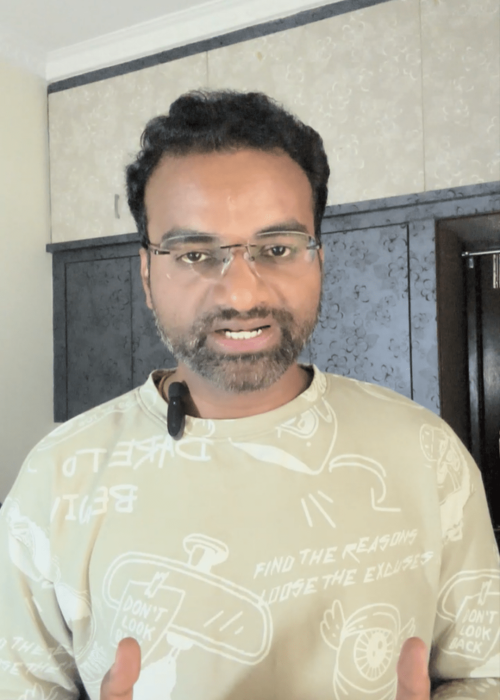
First, record a 2-minute video of yourself talking.

Tips:

  1. Look directly into the camera
  2. Use good lighting
  3. Speak naturally and clearly
  4. Don’t move too much

Example topics you can talk about:

  1. Who you are
  2. What you do
  3. Your business or expertise

This video helps AI learn your voice, expressions, and gestures.

Untitled design (10)

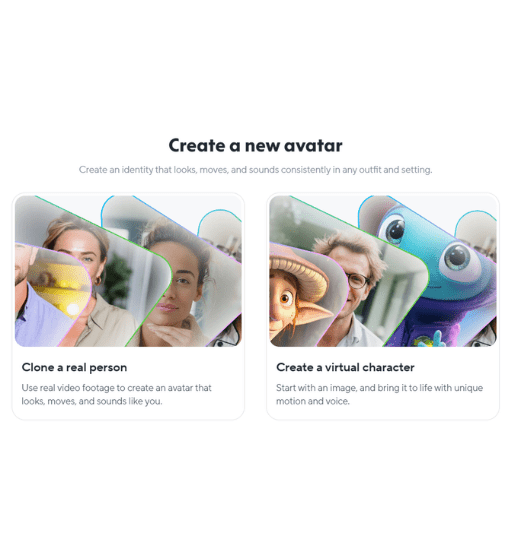
Step 2: Upload the Video to HeyGen

Go to HeyGen → Avatar Creation

Upload your training video and give consent for AI avatar creation.

The AI will analyze:

  1. Your voice
  2. Your face expressions
  3. Your lip movement
  4. Your speaking style

Within some time your AI Avatar will be ready.

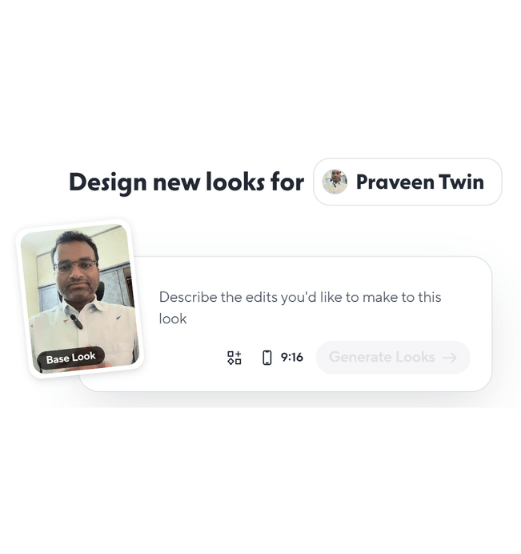
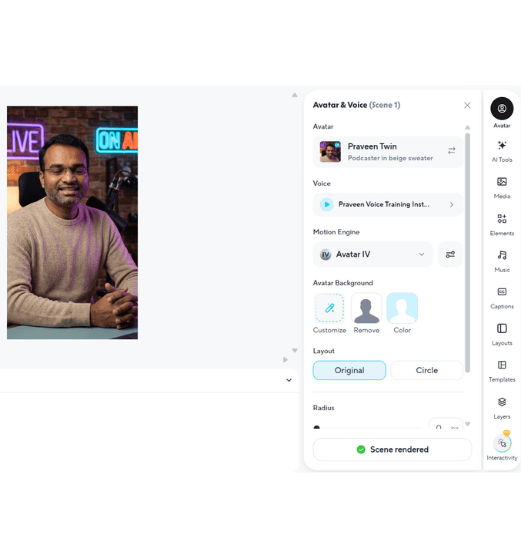
Step 3: Customize Your Avatar

Once your avatar is created, you can customize its appearance.

You can adjust things like:

  • Background

  • Camera framing

  • Clothing style

  • Avatar positioning

  • Voice settings

This helps your videos look more professional and branded.

Step 4: Add Your Script

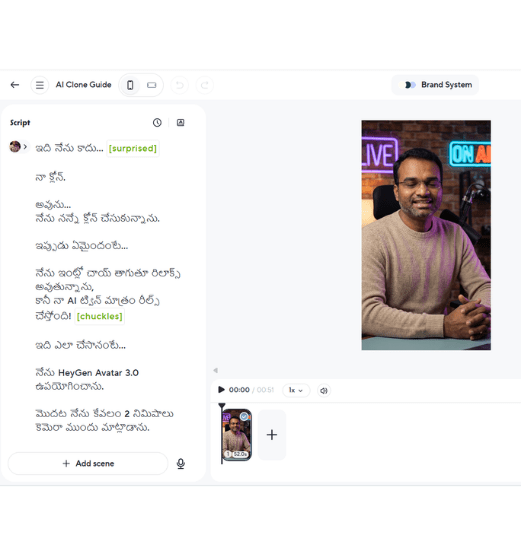
Now simply type or paste your script inside HeyGen.

Your AI avatar will automatically speak the script in your voice.

You can create videos for:

  • Instagram Reels

  • YouTube Shorts

  • Business promotions

  • Educational content

Without recording every time.

Step 5: Generate Your Video

Click Generate Video.

Within minutes, your AI avatar will produce a ready-to-use video.

Download the video and post it on:

  • Instagram

  • YouTube

  • Facebook

  • LinkedIn

Now your AI Clone can create unlimited videos for you.

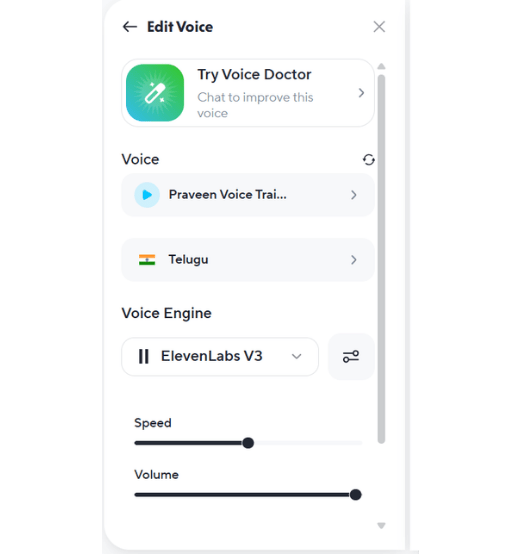
💡 Pro Tip

If you are creating videos in Telugu or other regional languages,
select the ElevenLabs V3 model for better pronunciation and natural voice output.

Want to Learn This Step-by-Step?

If you want to learn how to create AI avatars, clone your voice, and generate unlimited content using AI, join my AI Avatar Workshop.

AI Avatar Video & Voice Workshop

In this workshop you will learn:

  • How to create your own AI Avatar
  • How to clone your voice for regional languages
  • How to create social media videos using AI
  • How businesses are using AI avatars for marketing
  • Tools and workflows to create videos in minutes